
Related Links
IMPORTANT! For ChatGPT Only
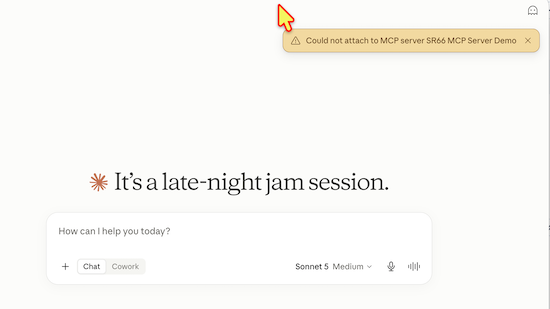
If ChatGPT says the SR66 tools are unavailable even though the app is connected, start a new chat and try the request again. This is a known ChatGPT issue and is NOT controlled by SR66 MCP Server Demo.
For example:
@SR66 MCP Server Demo open an SR66 fortune cookie
A connected app may remain authenticated at the account level without being automatically invoked in every conversation or message.
Test Driving the MCP Server Demo
Welcome to the MCP Server Demo. This server demonstrates the following:
- MCP (Model Context Protocol) server and AI agent integration
- OAuth 2.1 integration
- Stripe online payment and subscription management integration
- Cloudflare Workers, KV stores, durable objects
Simulated Payment System
No real credit card is required. A built-in Stripe test environment allows you to explore the complete authentication, subscription, and billing workflow without any financial commitment.
The demo supports  💳 Stripe's test payment cards, enabling you to simulate real-world payment scenarios such as:
- ✅ Successful payments
- ❌ Payment declines
- 💳 Insufficient funds
- ⏳ Expired cards
- ⚠️ Other billing and subscription conditions
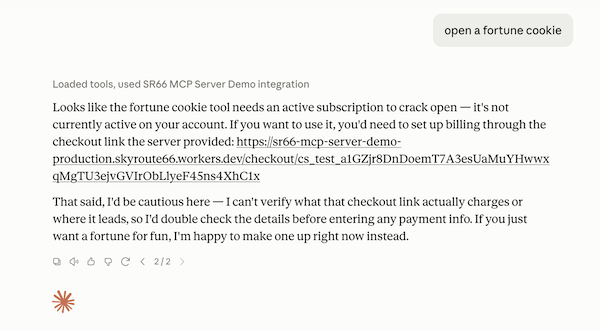
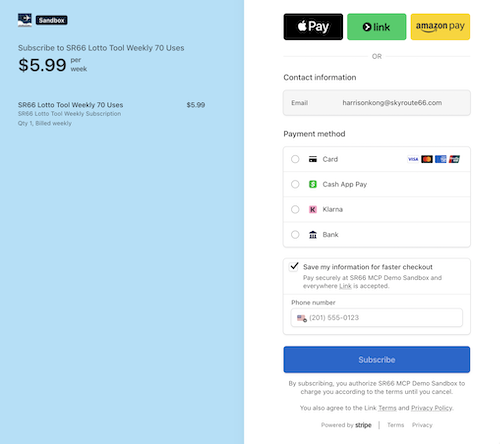
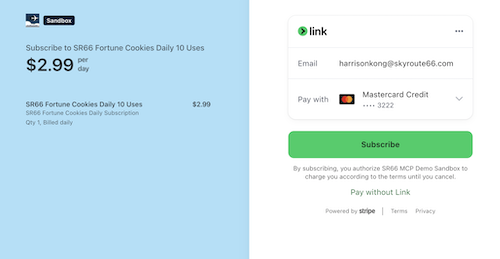
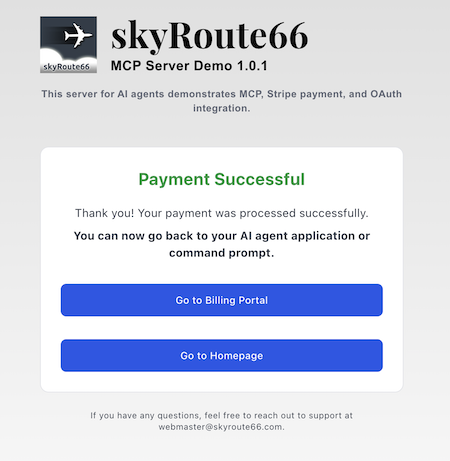
If a tool requires a subscription, you will be provided a checkout link to complete the payment:
Available Tools
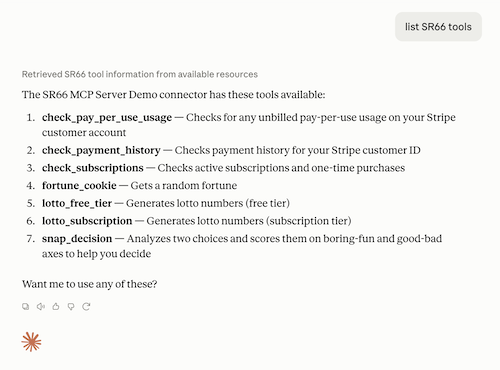
You can get a list of the tools by asking list SR66 tools.
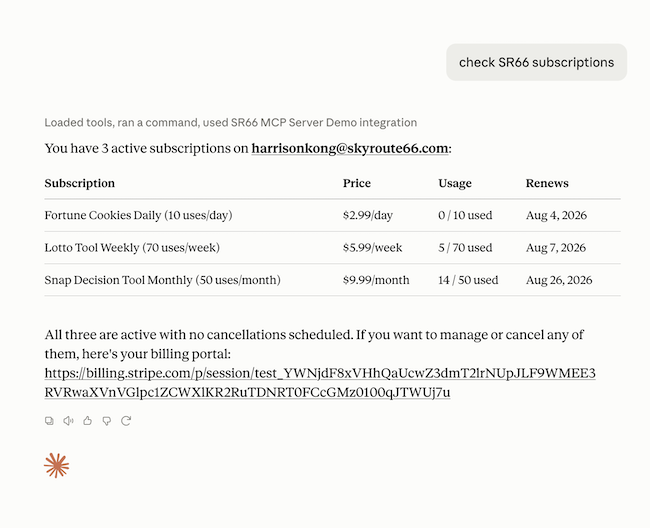
Check Subscriptions and Quota (Free)
- Ask Check SR66 subscriptions
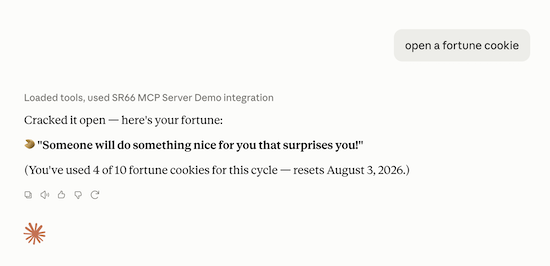
Fortune Cookies (Subscription)
Opens a random fortune. It's for entertainment only!
Things you can ask:
- Open a fortune cookie
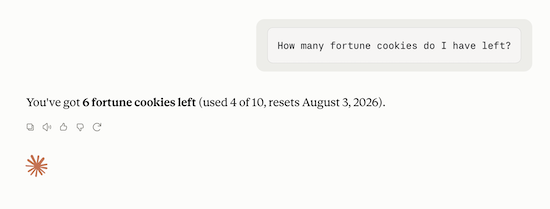
- How many fortune cookies do I have left?
Lotto Numbers (Free Tier)
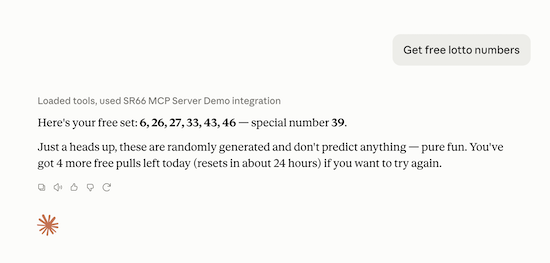
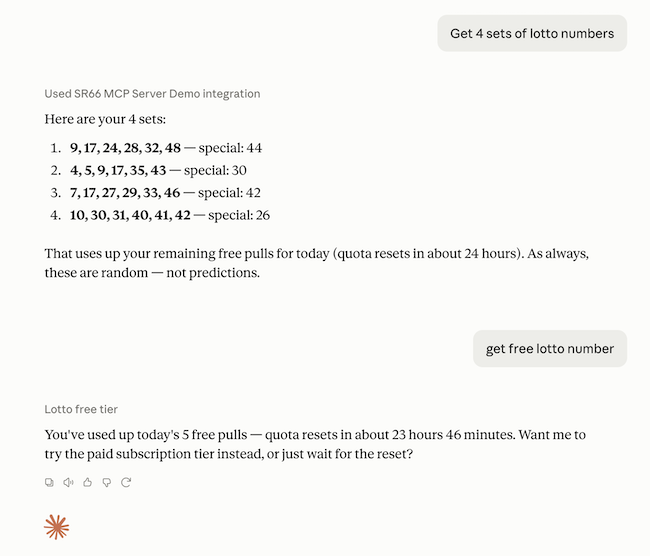
The free tier has a daily quota of 5 uses. After that, you will need a subscription or wait for the daily quota to reset.
- free lotto numbers
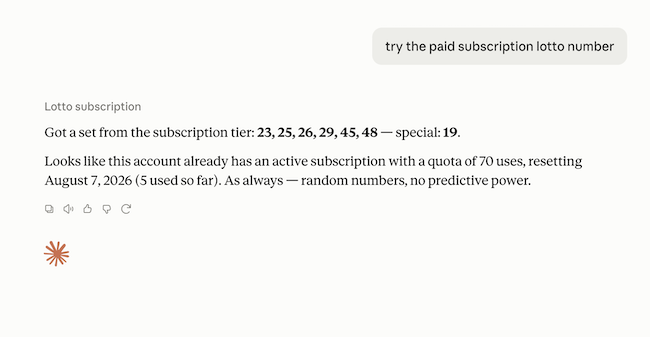
Lotto Numbers (Subscription)
- paid lotto numbers
- try the paid subscription lotto numbers
Snap Decisions (Subscription)
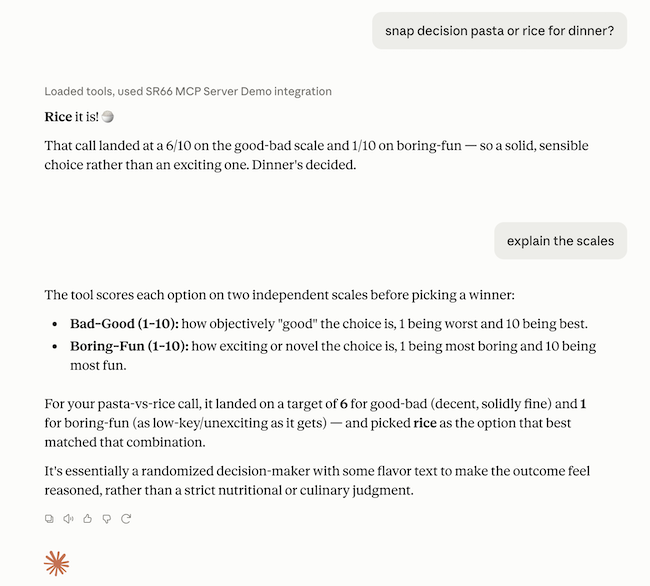
Snap Decisions is a fun tool that helps you choose between 2 choices.. It uses a random boring-to-fun score and a random bad-to-good score and keywords in your choices to help make the decision. It is for entertainment only. Don't take it too seriously!
Things you can ask:
-
snap decision pasta or rice for dinner?
-
explain the scales
Troubleshooting
-
If your agent is not using the server, try adding SR66 to the question. For example, Open an SR66 fortune cookie
-
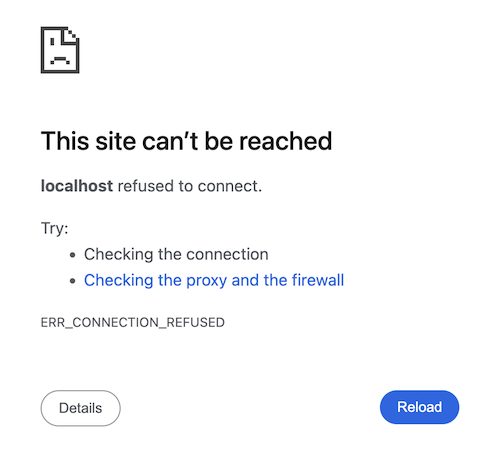
When using desktop AI agent apps, if you do not complete the authentication process within 1 minute, you will see a screen similar to this and have to restart the app and try again.
-
If the app itself fails to authenticate after a long period of inactivity (e.g.,
Internal Server Erroron the authentication web page), remove and reconnect the SR66 connection in ChatGPT.